CIRC
Neuroinformatics
Research Group (NRG)
The Marcus Lab, also known as the Neuroinformatics Research Group (NRG), is a cross-disciplinary science and engineering lab dedicated to the development of technologies to support imaging informatics. Our open source software is used around the world in the global effort to study and treat Alzheimer’s disease, schizophrenia, cancer, stroke, and a host of other areas of biomedical areas.
Our People
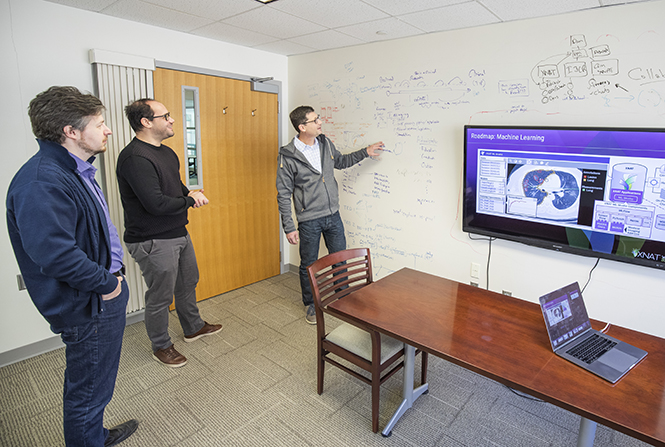
Led by Daniel Marcus, PhD, members of the NRG support the advancement of neuroimaging in a highly collaborative, multidisciplinary environment.
Projects
The Neuroinformatics Research Group builds imaging informatics and analysis tools, including open source software used in facilities around the world to manage and share neuroimaging and related data.
Lab Resources
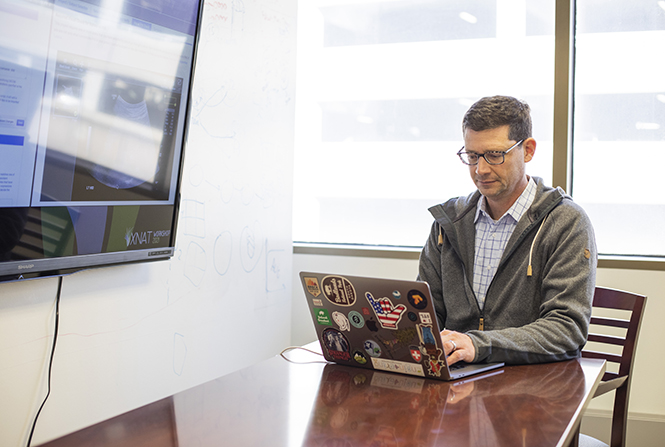
Find downloadable XNAT software, public datasets, analyzing tools and other resource to help further your research and clinical work.